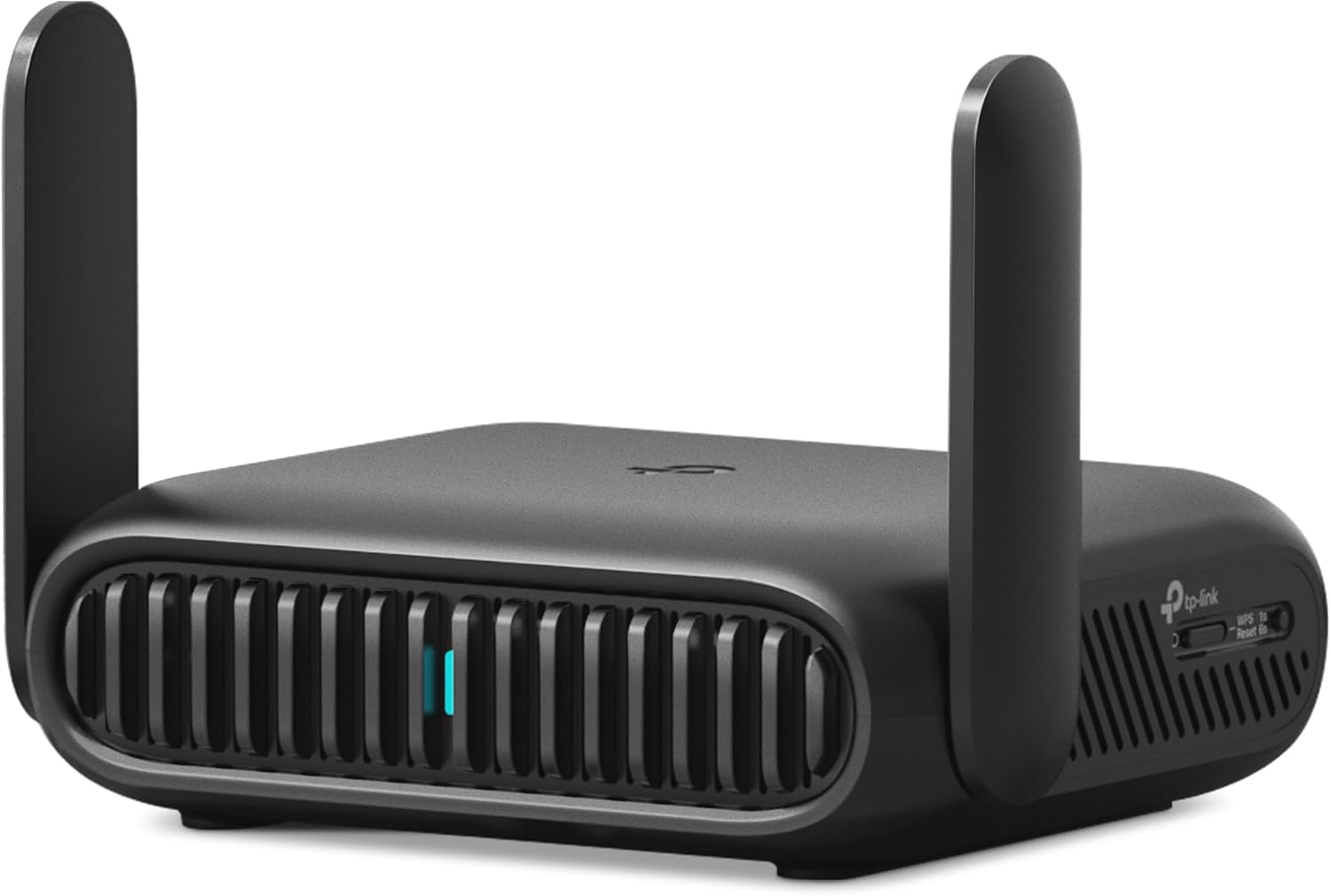
The Roam 7 BE3600 has multiple modes. Which one should I choose when traveling?
Mode selection depends on the type of internet connection available to you. Use Hotspot mode for connecting to a Wi-Fi network, USB Tethering to use your smartphone's cellular data, or Router mode if only a wired connection is available.
What is One-Step Captive Portal Authentication and why is it useful?
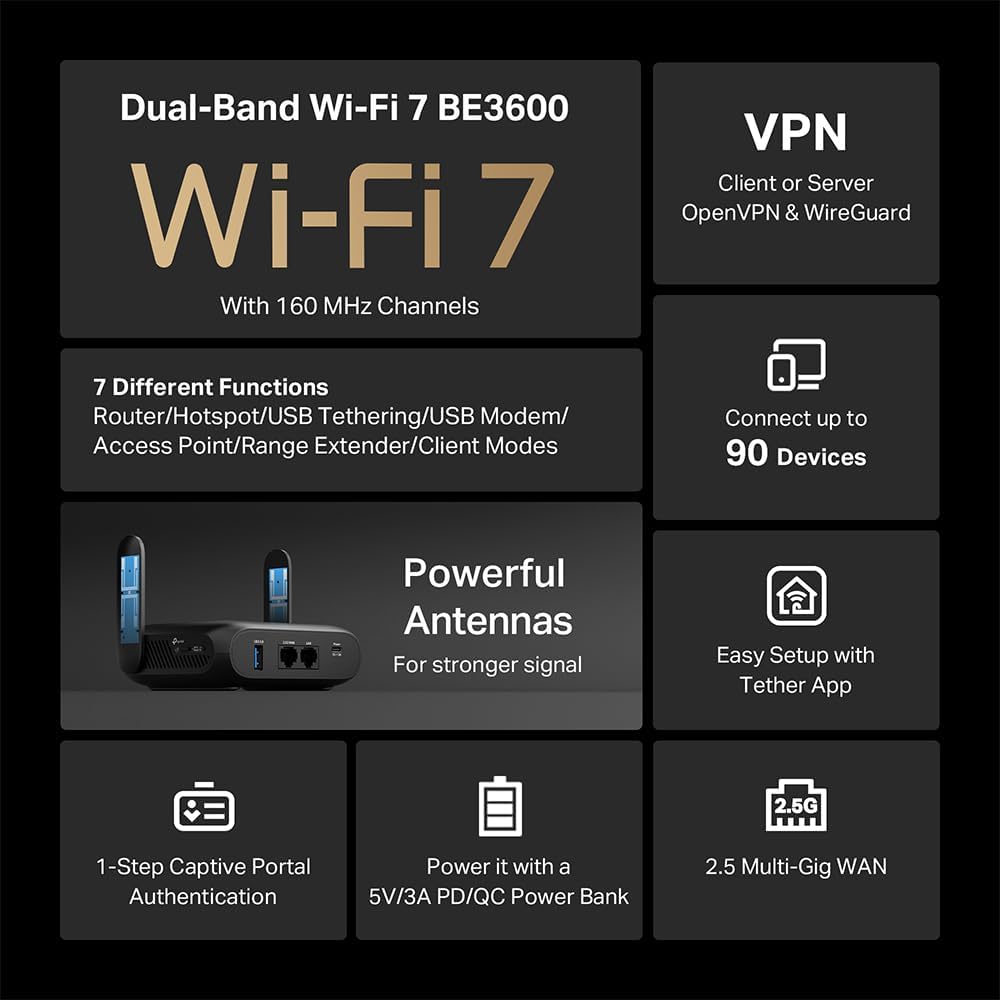
Have you seen a screen asking for your info before you get online at an airport / hotel? That's a captive portal. The Roam 7 BE3600 lets you log in once to gain internet access for all your connected devices. No need to repeat logins for each device.
Why not just connect all my devices to public Wi-Fi?
Connecting to unsecured public Wi-Fi can put your data and privacy at risk. The Roam 7 BE3600 travel router connects as to the public network, then creates a private Wi-Fi network, allowing you to securely connect multiple devices at once.
What are the different ways I can power the Roam 7 BE3600?
The Roam 7 BE3600 travel router is powered via a USB-C port. You can power it using the included wall adapter or a 5V/3A PD/QC power bank (sold separately).
Does the Roam 7 BE3600 travel router have a built-in cellular connection or SIM card slot?
The Roam 7 BE3600 does not have a cellular connection or SIM card slot. However, you can connect to any number of available internet sources, including an available Wi-Fi network, your smartphone's cellular data, or a USB modem.


From the manufacturer
Enjoy Secure, High-Speed Wi-Fi 7 On-The-Go
Secure High-Speed Wi-Fi 7 On The Go
With the compact and powerful Roam 7 BE3600, you can create your own personal WiFi network on the go. With WiFi 7 technology, you can enjoy more capacity for connected devices and faster wireless speeds. With a 2.5Gbps WAN port, a 1Gbps LAN port, a USB 3.0 port, and a Type-C power port, Roam 7 BE3600 is an ideal solution for on-the-go connection. Whether you're traveling for work or leisure, attending conferences, or need a reliable connection at a cafe or hotel, this portable router is designed to keep you connected.
This router offers various modes for flexible internet access wherever you go. Router Mode creates a private WiFi network using internet from Ethernet, USB tethering (phone connections), or a 3G/4G/5G USB modem for internet access. Hotspot Mode creates a private WiFi network using internet from public WiFi. In AP, RE, or Client Mode, you can add wireless access to wired networks (Access Point), extend existing WiFi coverage (Range Extender), or connect wired devices to WiFi networks (Client).
It adapts to most situations. With support for Router, USB Tethering, 3G/4G/5G USB Modem, Hotspot, Access Point, Range Extender, and Client functions, Roam 7 is perfect for homes, hotels, Airbnbs, cruise ships, RVs, or campsites.
Plug in an external hard drive via USB 3.0 to back up or share files across your private network. For added privacy, enjoy advanced encryption and authentication with OpenVPN and WireGuard VPN protocol support, keeping your connection secure wherever you are. Additionally, this router comes with HomeShield, a subscription service on the Tether app that keeps your home secure and your family safe. It offers advanced security and easy parental controls, all managed from your phone. Free features include Quality of Service (QoS), blocking specific websites, and content filtering by URL.
Product Description